OLED Monitor Pixel Cleaning Explained: Why It Runs So Often



OLED monitor pixel cleaning is a short compensation cycle that clears residual charge from pixels to reduce temporary image retention. Left unaddressed, that kind of retention is what can eventually harden into permanent burn-in, so running the cycle regularly is part of what keeps that risk low over the panel’s life. Official guides suggest an interval around every four hours, but real-world behavior varies, and this short automatic cycle should never be confused with the much longer manual refresh reserved for actual visible retention.
The process exists because OLED pixels can hold a faint charge after showing the same image for a while. That charge creates temporary image retention (sometimes called ghosting). The cleaning cycle tries to neutralize it so the next time you turn the screen on, the picture looks clean again.
Most owners first notice it when the monitor goes black for several minutes and a light starts flashing. Then they wonder if something is broken or if the panel is aging faster than it should.
What OLED Pixel Cleaning Actually Does
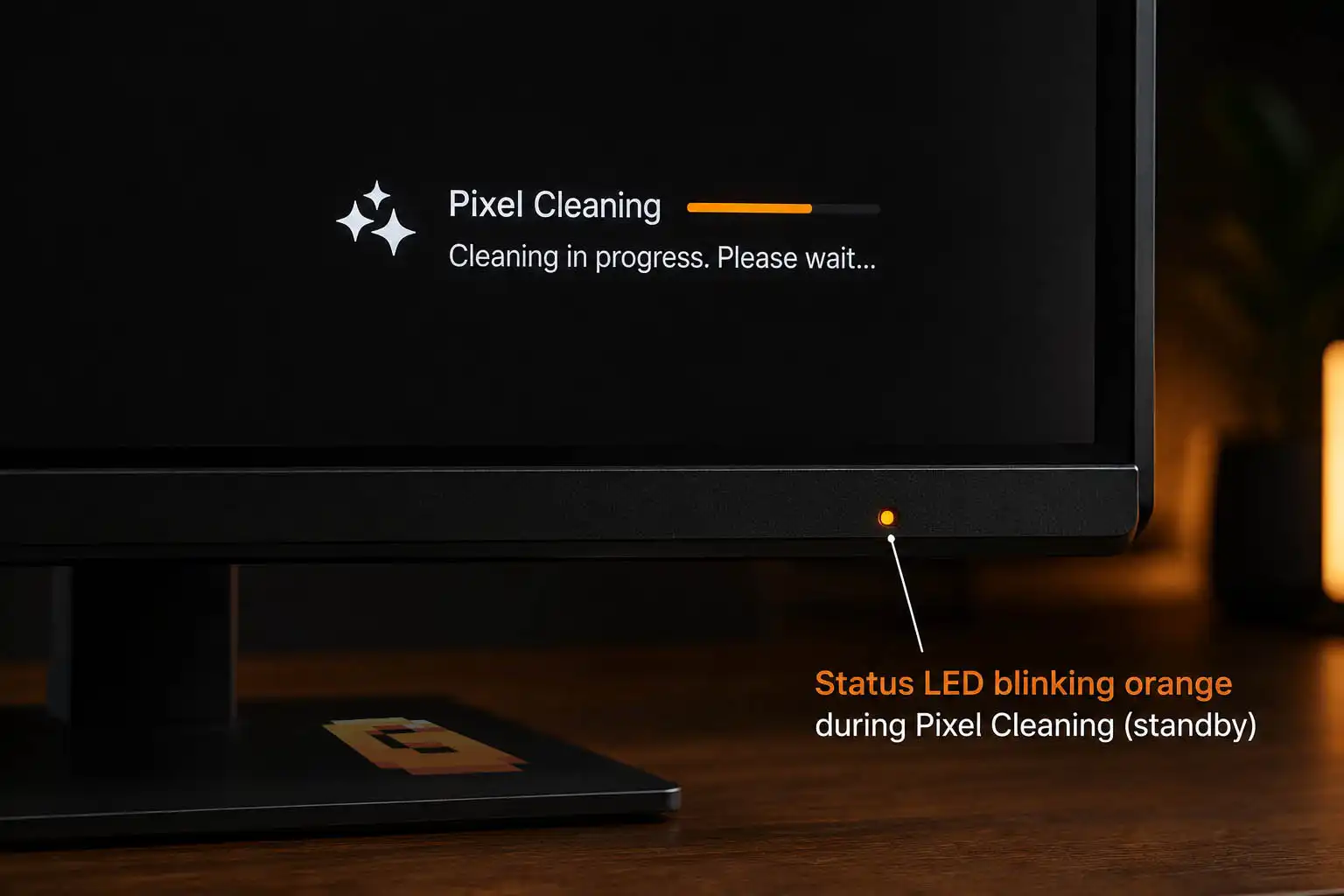
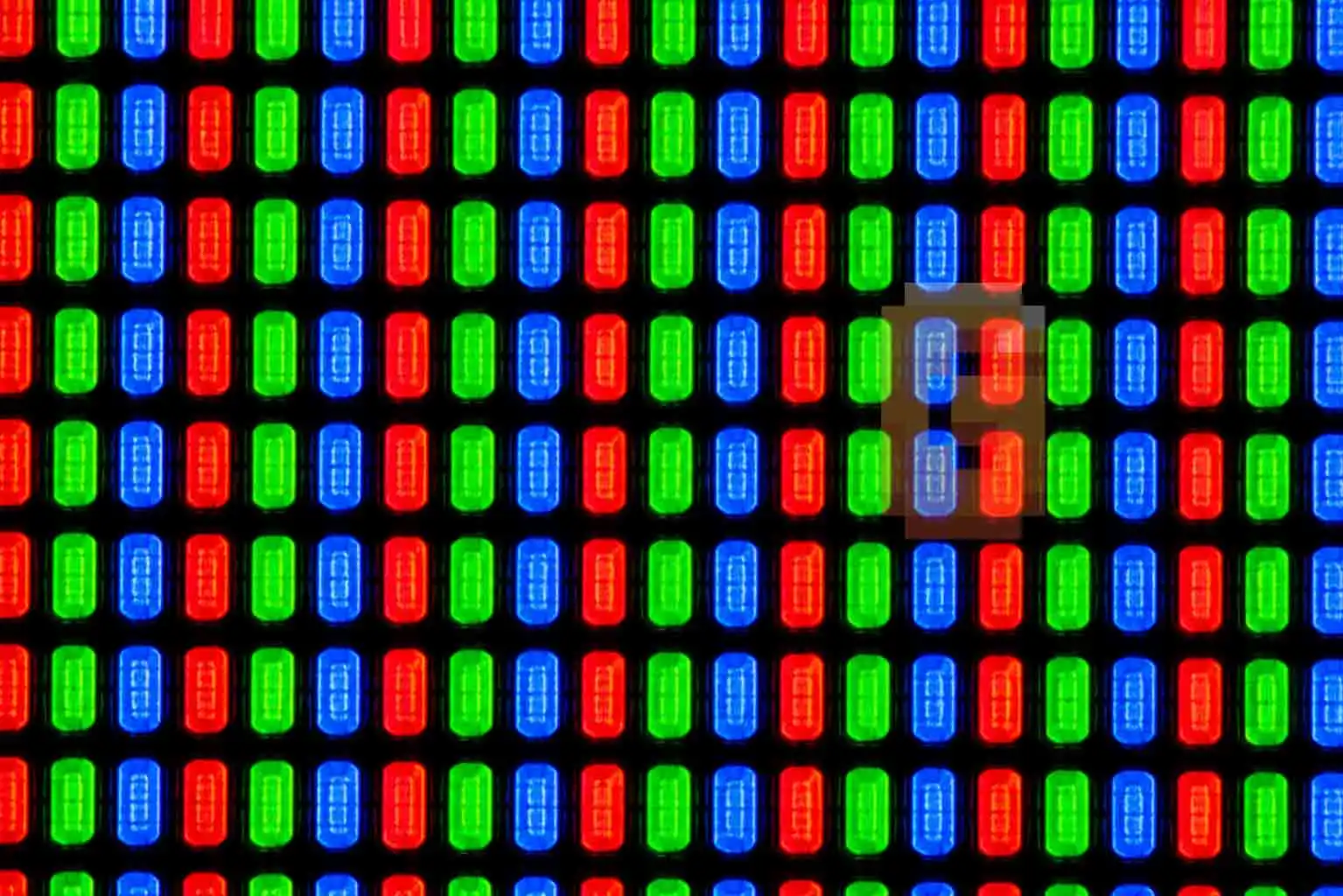
Pixel cleaning runs a controlled electrical compensation cycle across the display. The screen usually goes completely black so nothing on the image interferes with the calibration. Pixels are briefly driven in a pattern that helps clear lingering charge in the thin-film transistor layer.
The whole automatic cycle typically lasts around five to six minutes on many ASUS ROG models for example. When it finishes, an indicator light often changes from flashing yellow to solid red (or the logo flashes a set number of times). This is not the same as a full panel refresh that some TVs run after thousands of hours. It is a shorter, more frequent maintenance pass aimed at temporary retention rather than permanent wear.
How Often It Should Run (and Why Yours Might Run More)
Official documentation for several monitors points to an automatic cycle after roughly four hours of cumulative use, or when the display sits in standby for a short period. Manufacturers describe the automatic process as routine and harmless when it follows that schedule.
Real-world reports from owners paint a different picture. Many users say the cycle fires every single time the monitor enters standby — sometimes 30 or more times in a single day if they step away often. Support replies have not been consistent; some owners are told this is normal, others are told it may indicate a settings or firmware issue.
The gap between the documented interval and the observed frequency is one of the biggest sources of confusion. If your monitor cleans on almost every standby, you are not imagining it. That behavior simply does not match the “every four hours” language in the manuals.
Automatic vs Manual Cleaning: Why Forums Keep Mixing Them Up
Automatic pixel cleaning is the short cycle the monitor starts by itself when it goes into standby or is powered off (but still plugged in). It is designed to happen regularly.
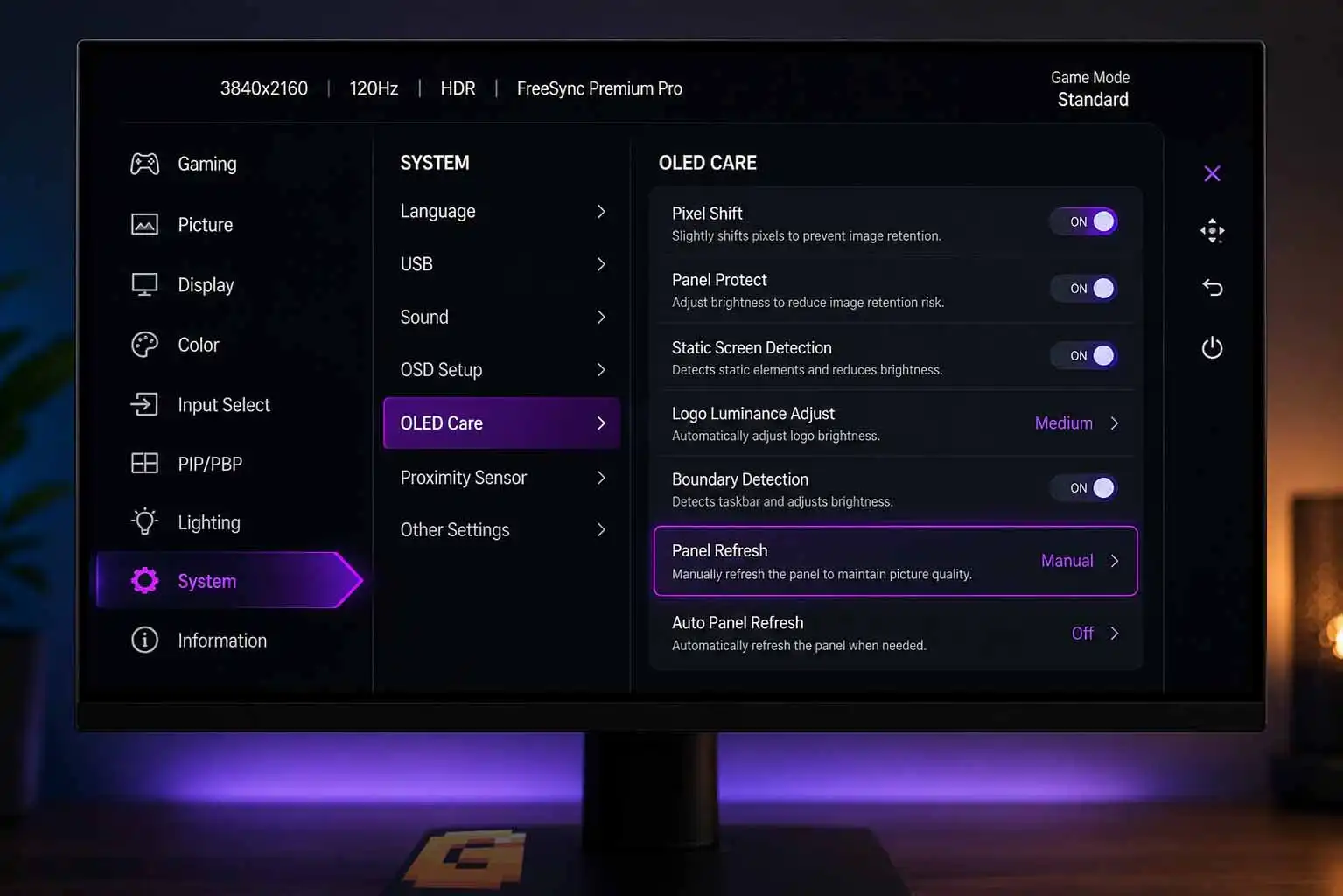
Manual cleaning is a separate, longer option you trigger yourself through the on-screen menu. Manufacturers generally reserve it for cases where you can already see visible retention.
A common forum claim says you should only run cleaning “twice a year.” That advice is usually meant for the manual deep clean, yet it often gets applied to the automatic cycle as well. The two processes are not interchangeable. Running the automatic cycle frequently is what the design expects; forcing the manual cycle on a fixed calendar is not.
Pixel Cleaning vs Pixel Shift: Two Different Protections
Pixel cleaning and pixel shift are two distinct layers of protection, yet most generic articles lump them together.
- Pixel cleaning is the periodic compensation cycle described above. It actively adjusts electrical levels to clear residual charge.
- Pixel shift is a continuous, very subtle movement of the entire image by a few pixels. The shift is usually too small to notice during normal use. Its job is to prevent any single set of pixels from displaying a static UI element for hours on end.
One is an occasional deep reset. The other is a quiet, always-on precaution. Treating them as the same feature is why a lot of advice ends up vague or contradictory.
Is Frequent Pixel Cleaning Bad for Your Panel?
This is the question that keeps owners up at night. Manufacturer documentation presents the automatic cycle as safe when it follows the designed interval. At the same time, owners watching the process run dozens of times a day naturally worry that each cycle is shaving life off the panel.
There is no public long-term study that quantifies exact wear from excess automatic cycles. The manufacturer’s own guidance still frames the automatic process as routine maintenance rather than something that should be disabled.
Excessive manual deep cleans are a different story. Those are longer and more intensive, so manufacturers generally advise against running them on a fixed schedule. If your monitor is only performing the short automatic cycle, the current official position is that it is within normal operation — even when the frequency exceeds the “every four hours” example.
When to Actually Worry (and When to Just Let It Run)
Worry if you see permanent image retention that does not clear after a normal cycle, or if the monitor starts cleaning while you are actively using it.
Do not worry if the screen simply goes black for a few minutes after you leave it idle and then returns to normal. That is the automatic process doing its job, even if it happens more often than the manual suggests.
The practical next step is simple: check the OSD for any option that controls cleaning frequency or standby behavior. Keep the monitor powered (not unplugged) so the cycle can finish. If the frequency still feels extreme, contact support with the exact model and the number of cycles you observe in a day. For most owners the best move is to let the automatic cycle run and reserve manual cleaning for actual visible retention.
FAQ
Why does my OLED monitor go black for several minutes after I leave it idle?
It is performing the automatic pixel cleaning cycle to clear residual charge and reduce temporary image retention. The screen stays black so the process can run cleanly.
Is the yellow flashing light during cleaning normal on ASUS ROG OLED?
Yes. On many ROG models a yellow indicator flashes while cleaning is active and turns solid red (or the logo flashes) when the cycle finishes.
Should I unplug the monitor to stop frequent pixel cleaning?
No. Unplugging can interrupt the cycle. Leave it powered so the process can complete, then check OSD settings or contact support if the frequency seems excessive.
Does pixel cleaning fix permanent burn-in?
No. It mainly addresses temporary image retention. Permanent burn-in is uneven pixel aging that compensation cycles cannot fully reverse.
Can I turn off automatic pixel cleaning completely?
Most models do not offer a permanent off switch for the automatic cycle because it is considered core panel maintenance. Check your specific OSD for any related options.
Key Takeaways
- OLED Monitor Pixel Cleaning Explained is a short automatic cycle that clears residual charge.
- Real-world frequency on some ASUS ROG units can far exceed the documented interval.
- Automatic and manual cleans are different; do not apply the same rules to both.
- Pixel cleaning and pixel shift protect the panel in separate ways.
- Frequent automatic cycles are generally treated as normal by the manufacturer; excessive manual cycles are not.
If your monitor is cleaning far more often than expected, note the exact model and the number of cycles in a typical day, then reach out to support with that data.
For more on getting the most out of an OLED gaming display, our guide on when to enable G-Sync covers the other major setting worth understanding on the same panel.
References
ASUS official support documentation – https://www.asus.com/au/support/faq/1048131/
Society for Information Display / A unified OLED aging model – https://sid.onlinelibrary.wiley.com/doi/full/10.1002/jsid.1064